Configuración
 Entrega rápida
 Tipos de pago


 Producto del mercado
Unboxing by DigiKey
Unbox unique products to explore bundled accessories and see product demonstrations.
u-blox EVK-M102 Evaluation Kit - Unboxing | DigiKey
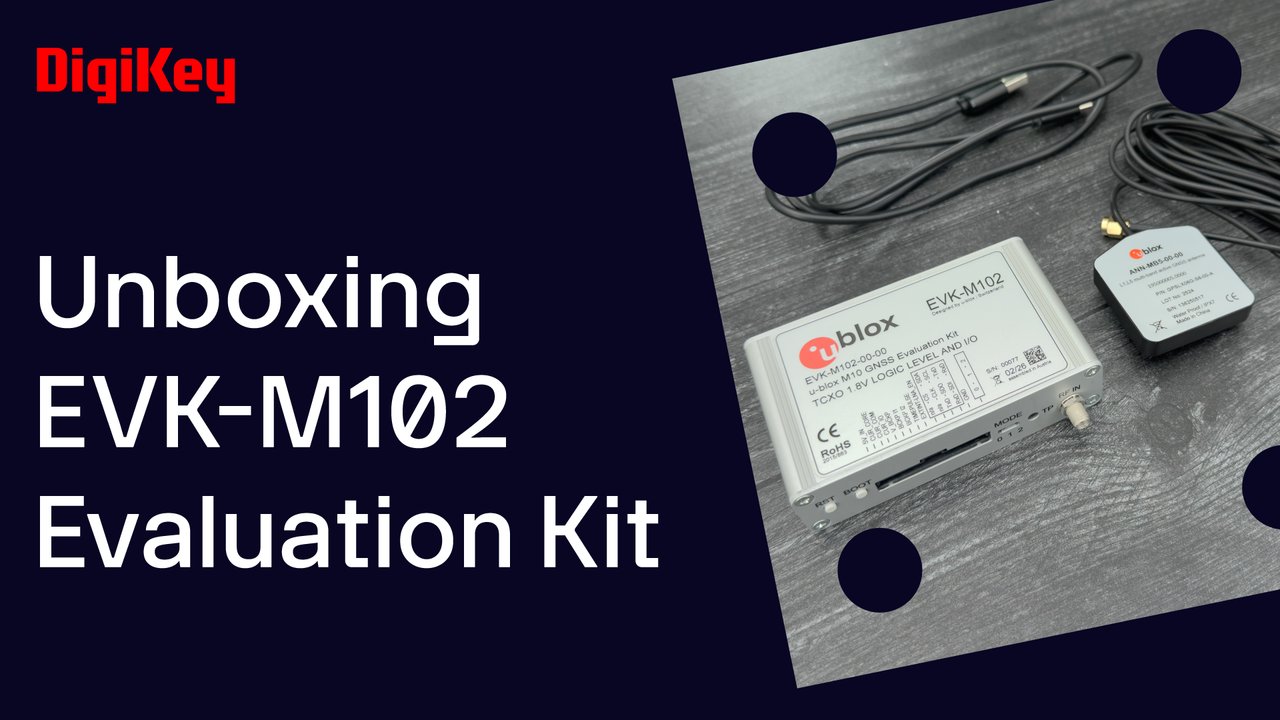
We take a look at the EVK-M102 evaluation kit from u-block. It demonstrates their ultra-low-power M10 GNSS positioning technology in a compact and rugged form factor. Inside the box, you’ll find the EVK-M102 unit, an active GNSS antenna with a 3 meter cable, and a USB-C cable. In this demo we’re going to use u-center 2 to connect to the kit, show our position, and highlight the AssistNow and current measurement functions. Use the USB-C cable to connect the kit to your computer, then connect the antenna to the kit. In u-center 2, click the “Data sources” icon, add data source, then select the EVK’s UART COM port. If you have a clear view of the sky, you should see the satellite signal view and satelittle positions begin to populate followed by your position being displayed on the map. As it’s targeted for ultra-low-power consumption, you can check your current consumption by going to Tools and services then Current measurement. The 14-pin header, which provides full access to all I/O ports, also allows you to measure IO and core current as well as current drawn from the EVK’s supercapacitor while in hardware backup mode.